Looking up parcels, meetings and released records
None of this needs an account.
Finding a parcel
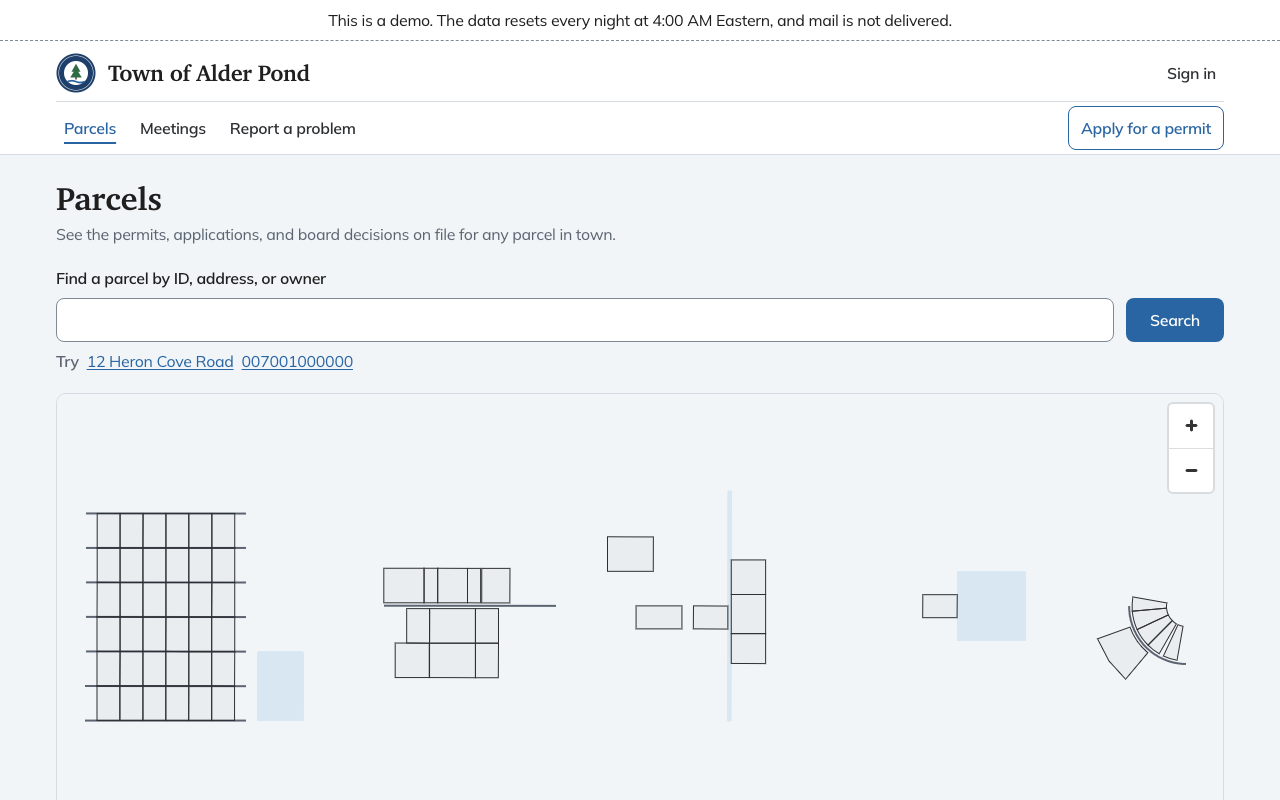
Choose Parcels at the top of any page, or use the search box on the home page. Search by parcel ID, address or owner name. Results list the address and parcel ID. A map below the search shows every parcel, and choosing one opens it. The search box does the same job from the keyboard.
A parcel's page shows the street address, the map-lot ID, the owner of record, the area in acres and any other IDs the parcel goes by. Under Records it lists what the town has on file for the lot: permits and approvals with their status and dates, code enforcement cases and documents. Files open in a new tab.
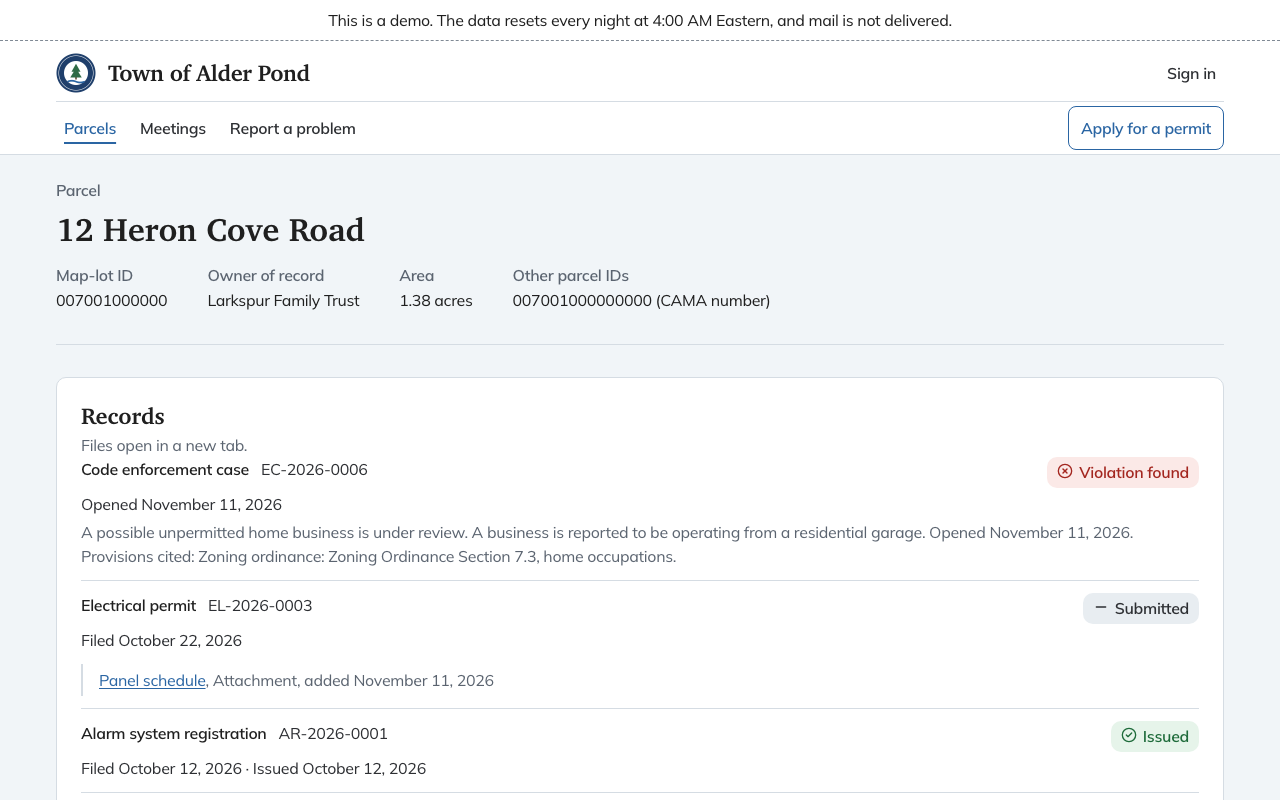
Not everything on file is public. A permit shows the application number, type, status and dates, plus documents the town chose to show. A code enforcement case shows only when staff have marked it public, and then with a summary the town approved. Scanned property files appear once the town has shown them on the public site. When a parcel was split or merged, records from the lots it came from are listed under the earlier parcel.
Meetings and hearings
Meetings lists the next meetings of the town's boards, each with date, time, place and either Agenda or "Agenda not posted yet". A cancelled meeting says Cancelled.
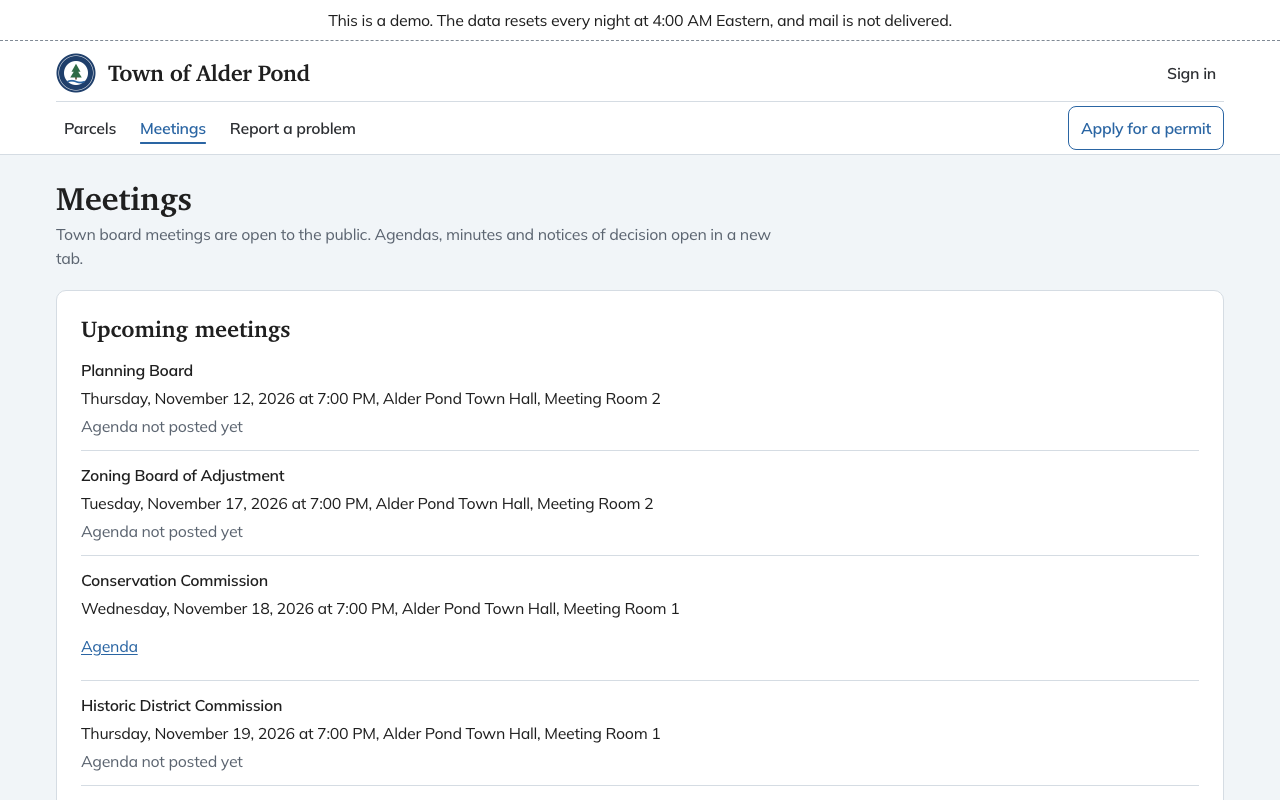
Under Hearing notices are the notices for upcoming public hearings: what the application is, where the property is and when and where the board meets. Each has a Printable notice (PDF). Below that the page lists Past meetings and minutes and Decisions, the boards' written decisions, with older ones on further pages. Agendas, minutes and notices of decision open in a new tab.
A records release link
When the town answers a Right-to-Know request, it can release the records through a link instead of attaching them to an email. The link opens a page titled "Records for request" and the request number, with the release date and a list of files to open. A file the town later withdraws stays on the list marked "withdrawn by the town" with the date. The link expires after a time the town chooses. After that the page says "This link has expired. Ask the land use office for a new one." Search engines are asked not to index these pages.