Changing roles, disabling accounts and resetting sign-in
Open Settings, then Users, and choose a person's name. Their page shows their email, roles, whether an authenticator is on, the date the account was added, and a history of invites, role changes and access changes. You need the administrator role.
Change someone's roles
Tick or clear boxes under Roles and choose Save roles. The change reaches the person on the next page they open, so they do not need to sign out.
Chiban keeps at least one active administrator. If you try to take the role from the only one, it refuses and tells you to make someone else an administrator first.
When someone leaves the office
Choose Disable this account, enter a Reason, and confirm. The reason is kept in the account's history. The person is signed out everywhere at once and cannot sign in again. The account and everything in it stay.
You cannot disable your own account or the only active administrator.
Disabling does not move work to someone else, so check what the person was responsible for first. A reviewer who is still ticked on a review committee route is skipped if their account is disabled, and the request goes to the next ticked reviewer whose account is active. An inspector's open inspections are not reassigned by this step. In Alder Pond, the disabled account for Dale Hollis carries the note "Retired at the end of June. Open inspections moved to Ira Inspector".
To bring someone back, open them under the Disabled tab and choose Re-enable account.
Reset a password
Chiban does not show anyone's password, and an administrator cannot set one. Choose Send password reset link on the person's page. They get an email with a link that works once and expires in 24 hours. Their current password keeps working until they use the link. Only an active account can be sent a reset link.
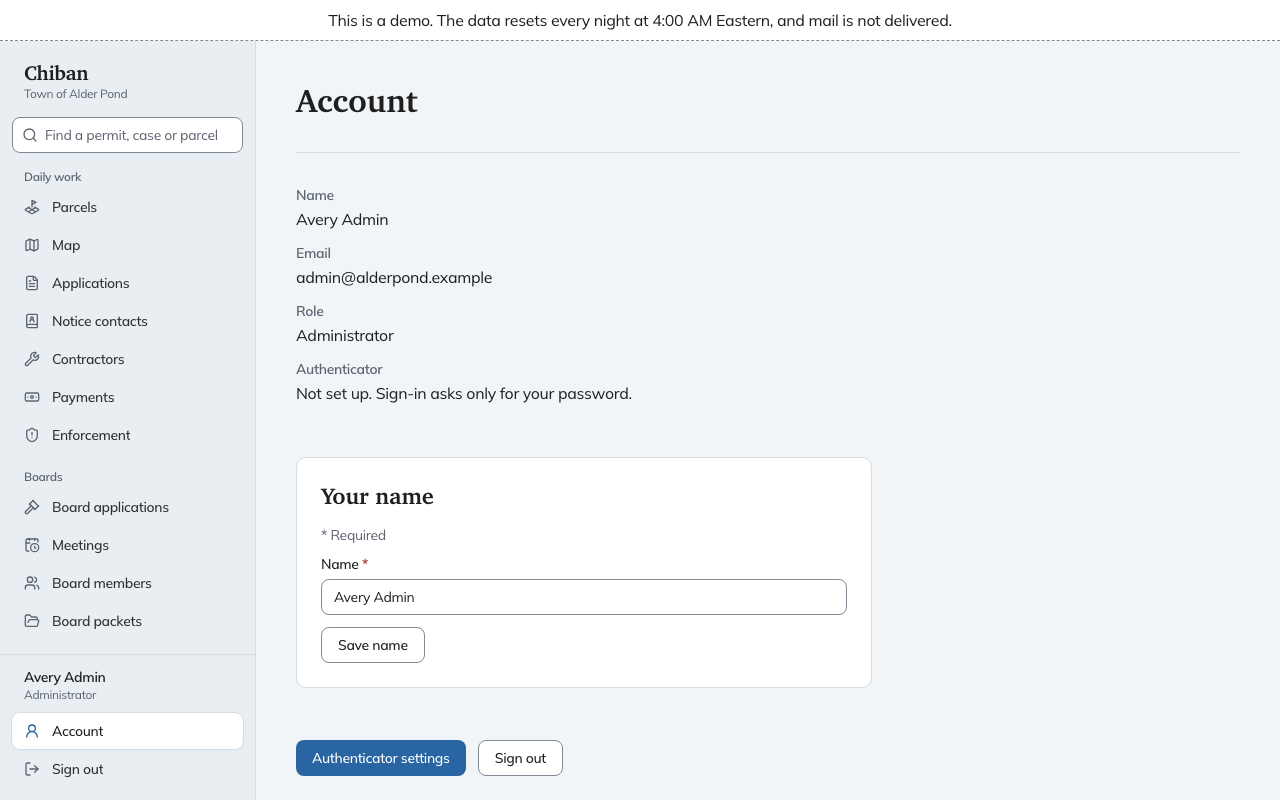
The person can also change their own password from Account when they are signed in. See passwords and authenticator codes.
Reset an authenticator
If someone lost or replaced the phone that makes their sign-in codes, choose Reset authenticator on their page and confirm. Their old authenticator stops working. They sign in with their password alone, then set up a new one from Account. The button only appears for people who have one set up.
What the list shows
The Authenticator column on the Users page shows On or Off for each person. If your town wants every account to use one, this is where you check.